
Cricut and DTF: The Perfect Relationship
Many people discover Cricut while looking for creative ways to personalize clothing, bags, and other fabric items. As they continue learning, they often come across DTF Transfers and wonder how these two work together. Although Cricut and DTF both belong to the custom apparel world, they serve different purposes. Understanding those differences helps you choose the right process and achieve better results from the very beginning.
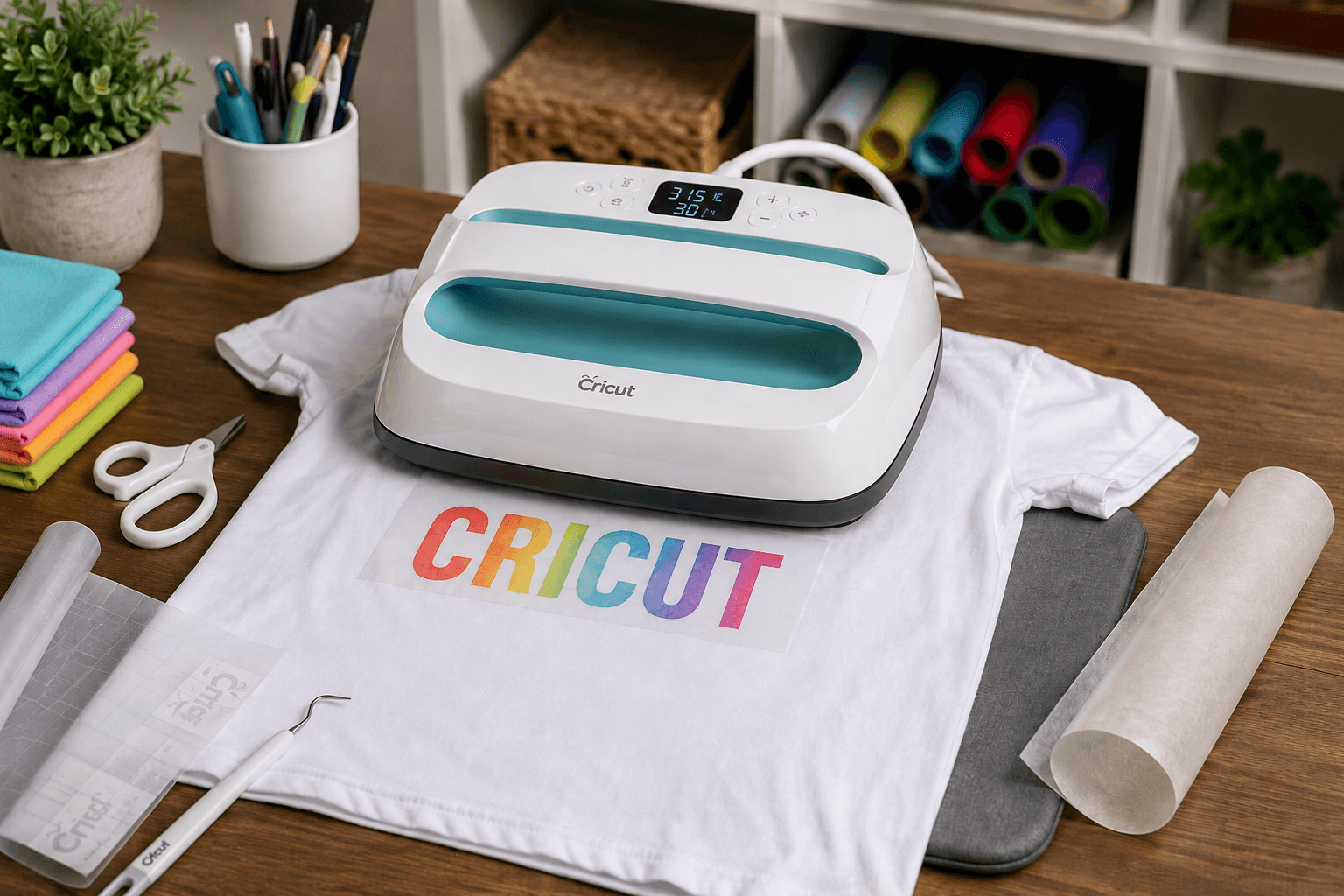
Cricut and DTF Made Simple for Every Project
Many people discover Cricut while looking for creative ways to personalize clothing, bags, and other fabric items. As they continue learning, they often come across DTF Transfers and wonder how these two work together. Although Cricut and DTF both belong to the custom apparel world, they serve different purposes. Understanding those differences helps you choose the right process and achieve better results from the very beginning.
A Cricut machine is an electronic cutting machine designed to cut materials such as vinyl, cardstock, paper, and specialty crafting products. Instead of printing colorful graphics directly onto a transfer film, Cricut cuts designs with precision. After cutting, users remove excess material before applying the finished design to a surface. This process works well for many crafting projects because it offers clean edges and accurate shapes.
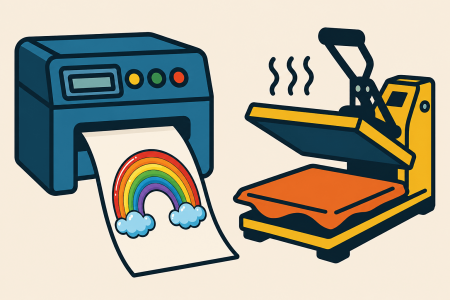
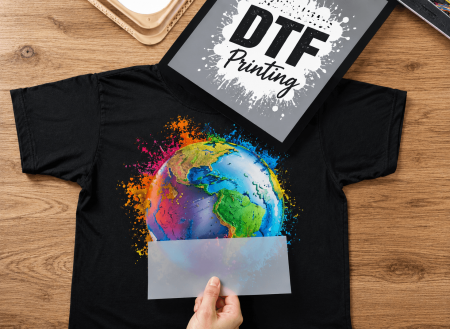
Direct to Film printing works differently. Instead of cutting material, DTF creates a full color printed design on a special transfer film. That finished transfer is then applied to a garment using heat and pressure. Because of this process, DTF allows detailed artwork, gradients, photographs, and vibrant colors that would be difficult to create with standard cut vinyl alone.
Many beginners believe they need a Cricut cutting machine to use ready to press dtf transfers. Fortunately, that is not the case. A Cricut cutting machine is not required for DTF applications because the transfers already arrive prepared for pressing. Instead, many users choose to apply them with a Cricut EasyPress, which provides heat for transferring the design onto the garment.
Learning what is dtf printing also helps clear up common misconceptions. DTF focuses on printing detailed artwork before application, while Cricut focuses on cutting materials into specific shapes. Therefore, these tools do not compete with each other. Instead, they complement different creative workflows depending on the type of project you want to complete.
If you enjoy creating colorful apparel without spending hours weeding vinyl, DTF offers an efficient solution. Likewise, if your projects involve simple lettering, decals, or layered vinyl graphics, Cricut remains an excellent crafting tool. Understanding the strengths of each method makes it easier to choose the right option every time.
Before starting any apparel project, think about the design you want to create. Complex illustrations, colorful logos, and detailed artwork often benefit from custom dtf transfers because they preserve every small detail. Simpler designs with solid colors may still work well with traditional Cricut materials. Knowing when to use each option saves time, reduces waste, and creates better finished products.
Whether you are decorating one shirt or preparing several garments for an event, understanding how Cricut and DTF work together gives you more confidence before beginning your project.
Using Cricut and DTF for Simple Custom Apparel Projects
Many people hear the phrase Cricut and DTF and assume that Cricut prints DTF transfers. In reality, Cricut does not print DTF designs. Instead, many crafters use a Cricut EasyPress as the heating device that applies the finished transfer to the garment. Understanding this difference makes the entire process much easier, especially for beginners who are exploring custom apparel for the first time.
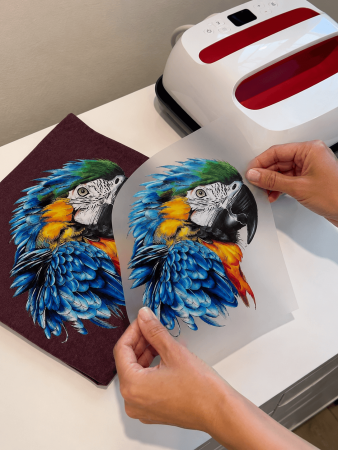
Think of the process as two separate steps. First, the artwork is professionally printed onto transfer film. Then, the finished transfer is applied with heat and pressure. Since the transfer already contains the complete design, there is no need to cut, weed, or assemble multiple pieces of material before decorating the garment. This saves time while also producing detailed, full color graphics.
Using dtf transfers with cricut is especially helpful for people who already own a Cricut EasyPress. Although a commercial heat press offers larger platens and more consistent pressure, many home users successfully complete smaller projects with the appropriate EasyPress model. Therefore, choosing the right equipment depends on the size of the project rather than the transfer itself.
Another important factor is selecting the proper pressing conditions. Following the recommended cricut easypress dtf settings helps the adhesive bond evenly across the garment. At the same time, avoid increasing the temperature or pressing longer than recommended. Too much heat may affect the transfer, while too little heat may prevent complete adhesion. Consistency always produces better results than guessing.
Before applying your transfer, prepare both the garment and your workspace. These simple steps improve your chances of achieving a smooth finish:
- Place the garment on a firm, flat surface before positioning the transfer.
- Preheat the fabric briefly to remove moisture and wrinkles.
- Position the transfer carefully before applying heat.
- Keep the EasyPress level across the design instead of tilting it during application.
- Follow the recommended Cricut Easypress dtf settings for temperature and pressing time.
- Apply steady pressure throughout the entire pressing cycle.
- Allow the transfer to cool or peel according to the recommended instructions.
- Complete any finishing press only when the instructions recommend doing so.
- Inspect the finished design before wearing or washing the garment.
- Store unused ready to press dtf transfers flat until your next project.
As your experience grows, applying DTF transfers becomes faster and more consistent. You spend less time preparing materials because the artwork is already printed and ready to use. Instead of cutting multiple vinyl colors, you can focus on accurate placement and proper application.
Whether you are creating personalized gifts, family shirts, team apparel, or promotional garments, understanding how DTF Cricut works helps you choose the right workflow for every project. With the proper preparation and recommended application method, even beginners can achieve clean, vibrant results that look professional and remain enjoyable to create.
Choosing Reliable DTF Solutions for Future Projects
Learning how Cricut and DTF work together opens the door to many creative possibilities. However, choosing the right wholesale apparel supplier is just as important as learning the application process. High quality dtf transfers, clear artwork, and reliable production all contribute to better finished garments. Therefore, taking time to order from a trusted source helps you enjoy a smoother experience from the moment you upload your design until the final press.
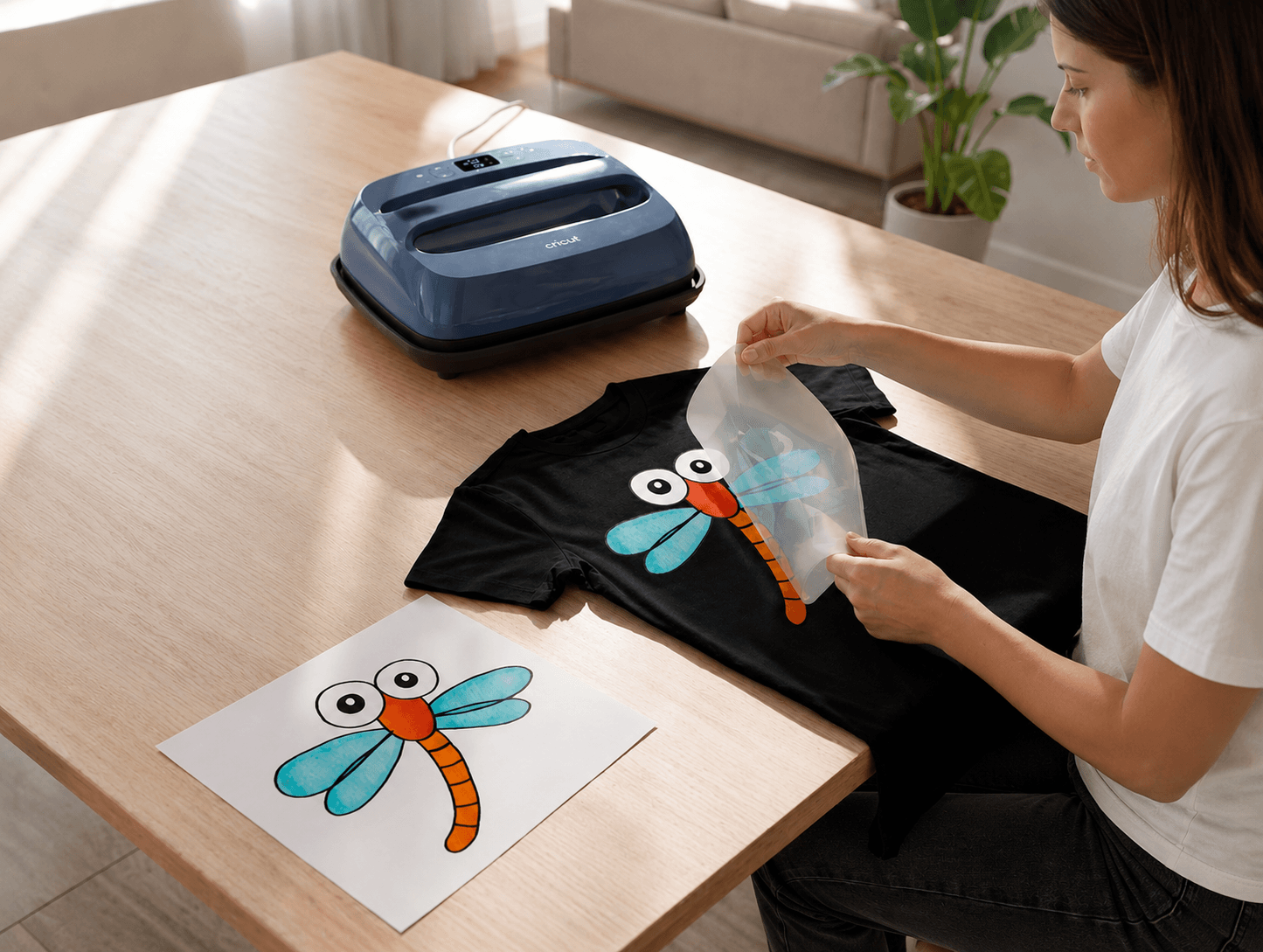
One of the biggest advantages of DTF transfers is their flexibility. They work well for hobby projects, school activities, business apparel, family events, and promotional clothing. Because the artwork is professionally printed before shipping, you can focus on applying the transfer instead of spending extra time preparing complicated vinyl designs. As a result, even first time users often find the process easier to understand.
When selecting transfers, think about the size of your project. Smaller logos and left chest graphics require different dimensions than large front designs. Choosing the correct dtf transfer sizes before ordering helps you achieve the appearance you want while reducing unnecessary adjustments during application. Likewise, ordering the correct quantity keeps your project organized and avoids delays.
If you are looking for professionally printed, ready to press dtf transfers, BulkApparel offers an easy way to order custom designs online. Customers can upload their artwork, choose the appropriate transfer options, and receive transfers that are ready for application. It is important to remember that Bulk Apparel prints and ships ready to press DTF transfers. The company does not apply transfers or perform garment heat pressing, allowing customers to complete the final application using their preferred equipment.
As you continue creating apparel, you may also decide to expand beyond single projects. Many small businesses, schools, clubs, and organizations appreciate the convenience of ordering transfers instead of maintaining specialized printing equipment. Likewise, individuals who already own a Cricut EasyPress can continue using familiar equipment while enjoying the vibrant detail that professionally printed DTF designs provide.
Before placing your next order, consider these helpful reminders:
- Choose artwork that is clear, sharp, and properly sized.
- Confirm that every design matches your intended garment dimensions.
- Review your files carefully before submitting them.
- Select the correct transfer size for each project.
- Follow the recommended Cricut EasyPress application instructions.
- Allow the transfer to cool or peel according to the provided guidance.
- Store unused transfers flat in a clean, dry location.
- Test new garments before beginning larger production runs whenever possible.
- Keep your pressing surface firm and level throughout the application process.
- Enjoy the finished project after following every recommended step.
Understanding Cricut and DTF gives you the confidence to begin new apparel projects with realistic expectations. Cricut and DTF each serve different purposes, yet together they create an easy and enjoyable decorating experience for many users. With thoughtful preparation, quality transfers, and the correct application method, you can create colorful apparel that looks professional while making every project more rewarding.